The Ultimate 2026 Comparison for Trade Pros
If you run a plumbing, HVAC, or electrical business, you’ve hit the wall. You know the feeling: the clipboards are piling up, missed calls are costing you jobs, and you’re spending your evening invoicing instead of being with your family.
You know you need software. You’ve narrowed it down to the two giants of the industry: Jobber and Housecall Pro.
Both are excellent. Both will get you organized. But they are not identical.
One is built for premium, client-focused businesses that want to look like a Fortune 500 company. The other is built for rugged, volume-based contractors who need their techs to be efficient in the field.
In this comparison, we’re stripping away the marketing fluff to tell you exactly which one puts more money in your pocket.
Quick Comparison: Jobber vs. Housecall Pro
| Feature | Jobber | Housecall Pro |
|---|---|---|
| Best For | Service businesses prioritizing client experience & branding | High-volume trades focused on speed & field mobility |
| Pricing Model | Base fee + Per-Technician pricing | Tiered Flat-Rate Pricing |
| Free Trial | 14-Day Free Trial | 14-Day Free Trial |
| Mobile App | Excellent (iOS & Android) | Superior (Built for field use) |
| Online Booking | Yes (Advanced “Client Hub”) | Yes (Basic to Moderate) |
| Payment Processing | Jobber Payments | PaySimple (Integrated) |
| Quotes/Invoicing | Very polished, professional templates | Functional, fast, and straightforward |
Note: Pricing is subject to change. Always verify the latest rates on their official sites.
Jobber: The “Premium” Choice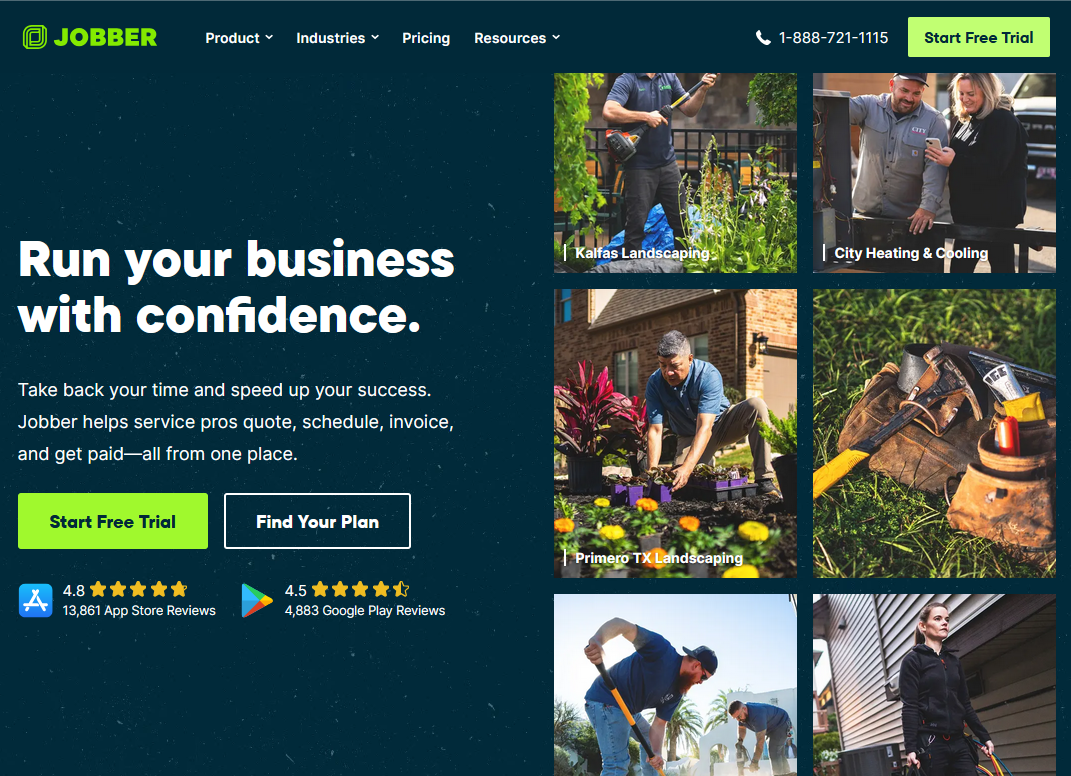
Jobber has built its reputation on one thing: Making you look good.
If you care about your brand image—if you want your quotes to look sleek and your clients to feel like they are hiring a top-tier firm—Jobber is often the winner.
What Jobber Does Best
- The Client Hub: This is Jobber’s “killer feature.” It’s a personalized portal where your clients can view requests, approve quotes online, and track their technician’s location on a map in real-time. It drastically reduces the “where is he?” phone calls.
- Polished Invoicing: The default templates in Jobber are beautiful. If you send a lot of quotes to high-end residential clients, the professional look of Jobber’s documents can improve your conversion rates.
- Simple Scheduling: The drag-and-drop scheduler is intuitive. It’s very easy to see who is doing what and when.
The Downsides
- Pricing Structure: Jobber charges by the number of “technicians” (admin seats are often free). If you have a large crew, the price scales up quickly.
- Customization: While it looks great, some power users find it slightly less customizable than Housecall Pro when it comes to very specific, complex workflows.
Try Jobber for 14 Days (Free): https://www.getjobber.com/pricing
Housecall Pro: The “Workhorse” Choice
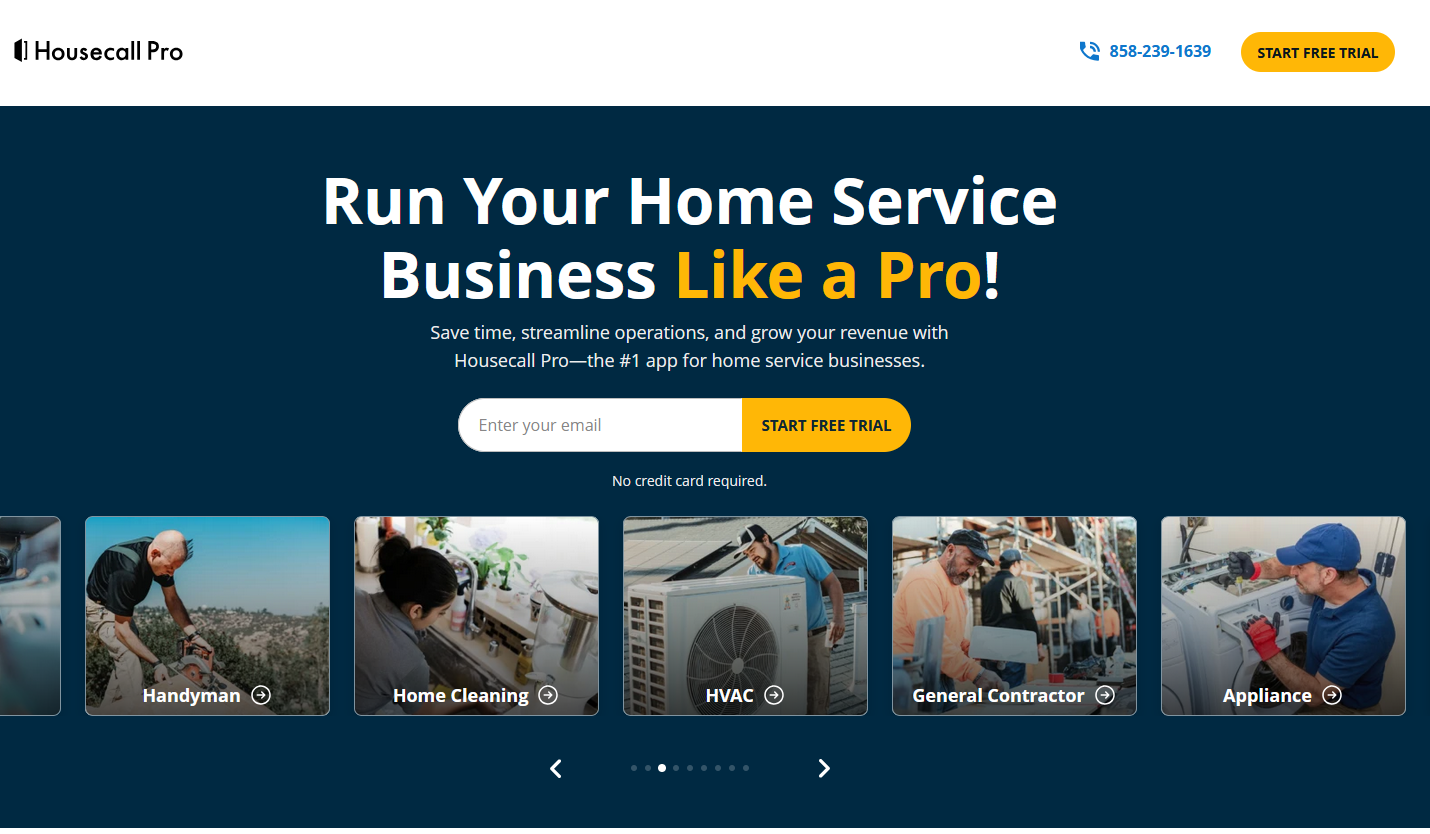
Housecall Pro was founded by a contractor who was frustrated with messy paperwork. Because of that, it feels like it was built by a tradesperson for tradespeople.
It prioritizes speed. It prioritizes the mobile experience. It is built to get your techs in and out of the job fast.
What Housecall Pro Does Best
- The Mobile Experience: The mobile app is widely considered the best in the industry. It is designed to be used with dirty hands on a small screen. Techs love it because it doesn’t lag and the buttons are easy to hit.
- Financing Options: Housecall Pro integrates deeply with financing lenders (like Wisetack). If you do expensive jobs (like HVAC replacements or sewer line repairs) and need to offer customers “12 months same-as-cash,” HCP makes this incredibly easy to offer at the point of sale.
- Flat-Rate Pricing: Instead of charging per user, Housecall Pro offers tiers based on features. This can be cheaper if you have a large team of field techs.
The Downsides
- The Learning Curve: Because it has so many features, it can feel a bit “cluttered” or overwhelming to new users compared to Jobber’s clean interface.
- Branding: The invoicing and quotes are functional, but they don’t always have that same “premium Apple-store” aesthetic that Jobber has.
Try Housecall Pro for 14 Days (Free):https://www.housecallpro.com/
The Verdict: Which One Should You Buy?
Skip the free trials if you want to save time—use this guide to pick the winner for your specific situation.
Choose Jobber If:
- You are in Plumbing, Electrical, or General Contracting.
- You do mostly residential work where “looking professional” matters.
- You want your clients to be able to book and pay online with zero friction (The Client Hub).
- You have a smaller team (1-5 techs) and want a clean, simple interface.
Choose Housecall Pro If:
- You are in HVAC, Garage Doors, or Roofing (High ticket, low volume).
- You offer financing to your customers for big jobs.
- You have a large fleet of technicians and need the most cost-effective pricing for many users.
- Your techs are rarely in the office and live on their phones.
Final Recommendation
Both offer a 14-day free trial. My advice?
Start with Jobber. It is generally easier to learn and will make your business look professional from Day 1.
[Link: Start Your Jobber Free Trial Here] https://www.getjobber.com/pricing/
If you find you need more aggressive financing options or deeper field customization, switch to Housecall Pro.
Looking for other options? Check out our list of Top 5 Jobber Alternatives:
https://tradesoftwarehq.com/top-5-jobber-alternatives-for-field-service-pros-in-2026/